





Picking an intraoral scanner is one of the bigger equipment decisions a practice makes — and one of the most confusing. Brands talk specs. Reps talk bundles. What most of them don't lead with is the part that affects your workflow every single day: the software running underneath it. Get that wrong and you're locked into the software that came with the hardware, paying it off long after it stops serving your practice.
What separates a good scanner from the right one
Most intraoral scanners on the market today are clinically capable. Accuracy differences between top-tier models are marginal in practice. Where they diverge is in workflow: how fast the scan processes, how cleanly it transfers to your imaging platform, and what happens when something goes wrong mid-appointment.
A scan that won't open in your software isn't just an annoyance. It's a gap in the patient record and a break in the appointment flow your team worked to protect. Legacy imaging software compounds this. Older platforms weren't built for today's hardware, and they weren't built for AI. They display images. They store files. They don't do much else.
If your imaging software is slowing your team down, requiring workarounds to open files, or leaving you with images that don't support a strong case presentation, the scanner isn't the problem.
What IRIS does that your current software doesn't
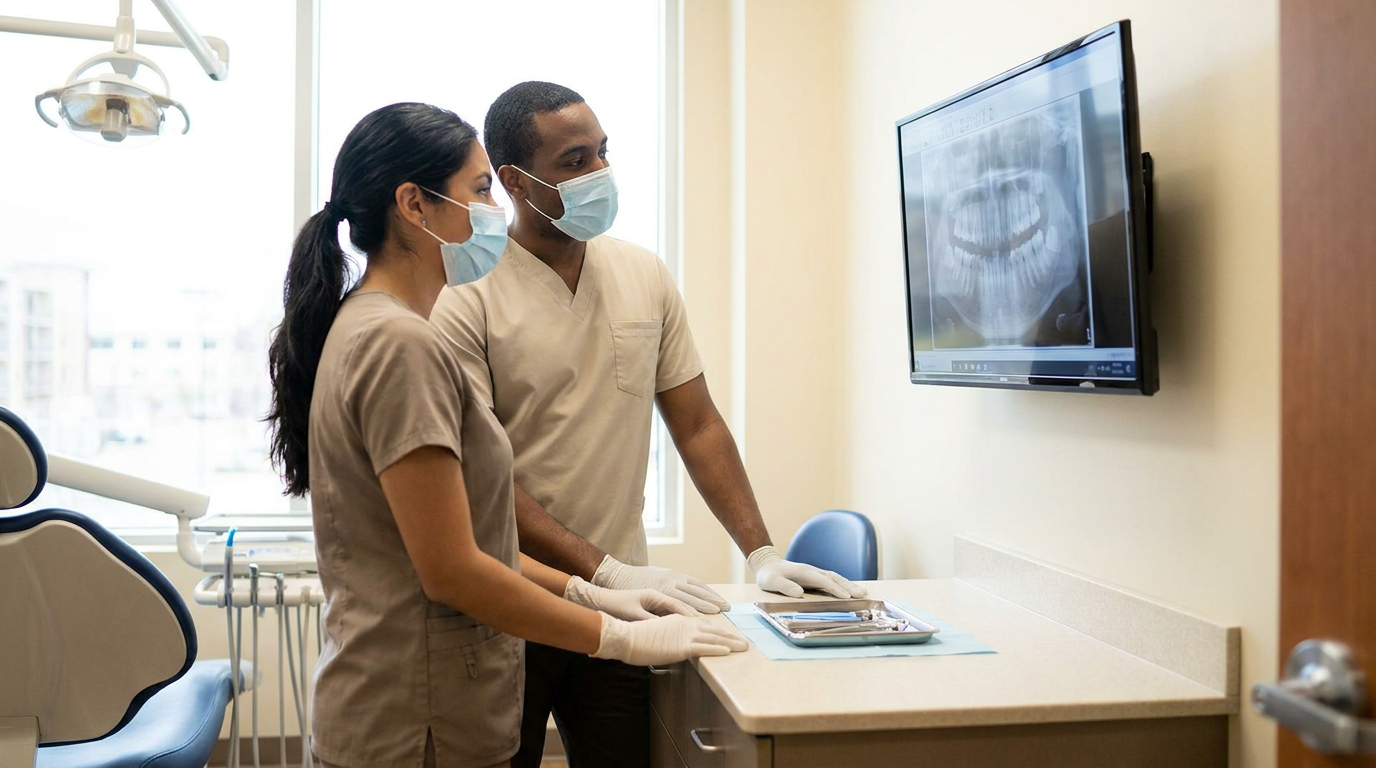
IRIS is AI-native imaging software, meaning the AI isn't an add-on purchased separately and layered on top. It's built in. Every image your sensors capture runs through FDA-cleared quality assessment automatically, flagging cone cuts, overlapping contacts, and inadequate coverage before the patient leaves the chair. The specificity on bitewings is 99%. You're not retaking images because something looked off after the fact. You know at capture.
IRIS works with any sensor. Practices running different hardware across operatories don't need to standardize on one brand, and multi-location owners who've accumulated equipment over time don't need to replace it. There's no required hardware purchase, no proprietary bundle, no lock-in. Bring your existing sensors. Buy whatever scanner fits your clinical workflow. IRIS connects to it.
Beyond quality assessment, IRIS auto-enhances images, operates offline so productivity doesn't stall when the connection does, and generates AI Annotations that make findings visible to patients in case presentations. A patient who can see what you're seeing is a patient who understands why treatment matters.
IRIS also replaces legacy imaging software outright. One platform handles capture, quality assessment, enhancement, and AI-assisted analysis. Fewer vendors, lower overhead, and a stack built for how modern practices actually operate.
The scanner decision gets easier from here
Choose the hardware that fits your clinical workflow and your budget. Don't let the software bundled with it make the decision for you. IRIS works with the scanner you already own, the one you're about to buy, and the one you'll add at your next location.
Book a Demo to see how IRIS fits into your practice.
FAQs
What's the difference between a dental scanner and intraoral imaging software?
An intraoral scanner is the hardware, the wand that captures digital impressions or images inside the mouth. Intraoral imaging software is what receives, stores, displays, and processes those images. Most scanners come bundled with proprietary software, but they don't have to be used together. Sensor-agnostic platforms like IRIS connect to any scanner and add capabilities like FDA-cleared image quality assessment and AI Annotations that bundled software typically doesn't include.
Does Overjet IRIS work with any intraoral scanner brand?
Yes. IRIS is sensor-agnostic, meaning it works with sensors and scanners from any manufacturer. Practices don't need to replace existing hardware to use it, and there's no required bundle purchase. This is particularly useful for multi-location practices that run different equipment at different sites.
What should I look for when buying my first intraoral scanner?
Clinical accuracy, scan speed, and ease of use for your team are the starting point. But don't evaluate a scanner in isolation. Factor in what imaging software it pairs with, whether that software supports AI-assisted analysis, and whether you'll be locked into that software long-term. Choosing a sensor-agnostic imaging platform first gives you flexibility to select hardware on its own merits.
How does AI image quality assessment work with intraoral scans?
IRIS runs FDA-cleared image quality assessment at the point of capture. As images are taken, the AI detects technical issues: cone cuts, overlapping contacts, inadequate coverage, foreshortening, elongation. It flags them immediately so retakes happen before the patient is dismissed, not after you've reviewed the images later. IRIS achieves 99% specificity on bitewing images and 98% on periapicals.